Editing Principles:
- Cause- Effect
- Action Continuity
- Construction of Time
- The Construction of Space
- Eye Line Matching – Attract Attention
- Graphic Relation
Causality Principles (example):
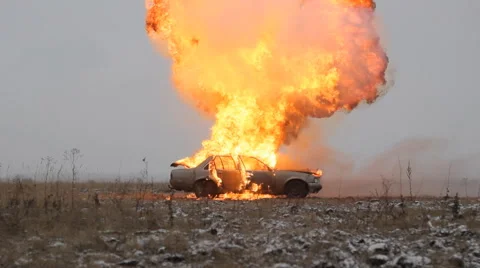
- Jumping from a car – 1 Shot
- The car is on fire- 2 Shot
- An Explosion- 3 Shot
The shots suggest that people are jumping from a car seconds before it explodes 1,2,3.
3,2,1 The order suggests there is an explosion, the car bursts into flames and a result is the people have to jump out.
2,1,3 The sequence is changed and it appears that the result of a fire passengers jump out of the car just in time to escape a explosion.
2,3,1 This scenario people jump from the car after a fire causing an explosion.
Editing Permutations:
- Multiplication principle of combinatorics – needing to multiply the total permutations
- This is a great opportunity to use shorthand factorial notation(!) example (4!=4.3.2.1=24) the dots you multiply together
Continuity Edit:
- Combines related shots into a sequence without breaking the flow of previous shot
- It will give a sense of consistency in the story within time and the physical space
Cutaways and Inserts:
- Cutaway– Takes the audience away from the main action or subject, showing a view outside of the main characters environment.
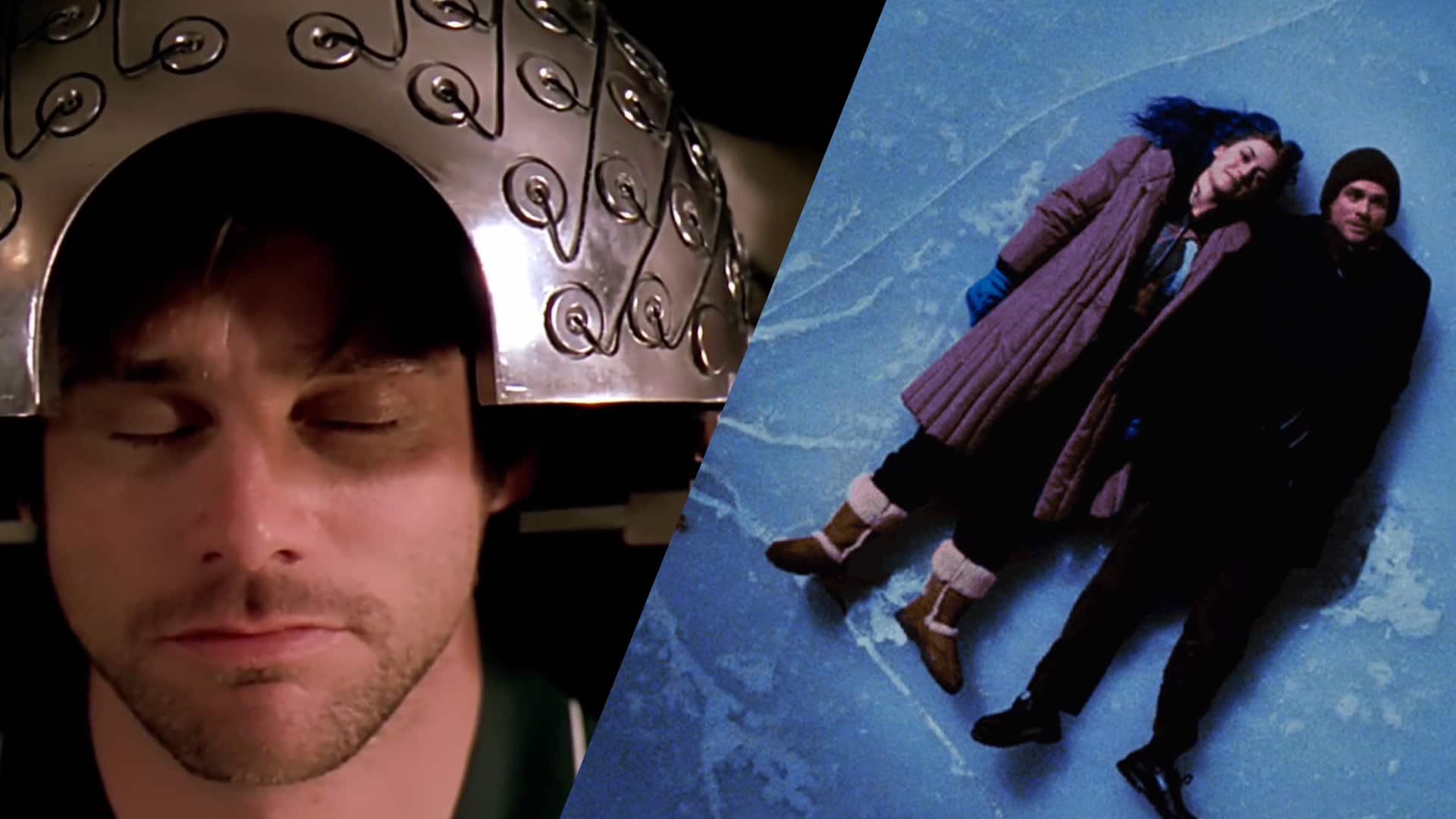
- Insert– any shot with the purpose to focus the viewers attention to a specific detail within a scene, usually a Close Up/ Extreme Close Up.
Reaction Shots:
- Demonstrates how the characters within the story respond to the issue at hand
- Edit must include these responses to create emotion and make the message clear

Match on Action:
- Editor cuts from one shot to another and matches the action of the shots
- The sequence has a better flow if you cut on action instead of cutting within the pauses
- find an example
Cross Cut:
- Parallel Editing/Cross Cut, cuts between 2 different scenes that are happening at the same times in different spaces
- You can tell 2 simultaneous stories at once
Quick Cuts:
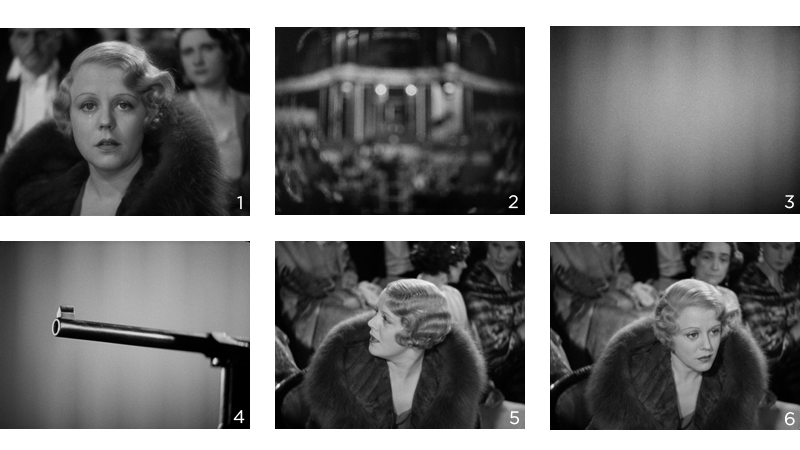
- Fast cutting is a film editing technique which refers several shots of a brief duration (eg: 3 seconds or less)
- Can be used to convey a lot of information very quickly or to imply chaos or energy
Time Warp:
Time can be modified by:
- Slow Down
- Speed Up
Super Imposition:
- Shots overlap or dissolve together
- Might be on the side or directly on top
- The opacity of a video needs to be adjusted one shot or video input will have less than 95% of opacity
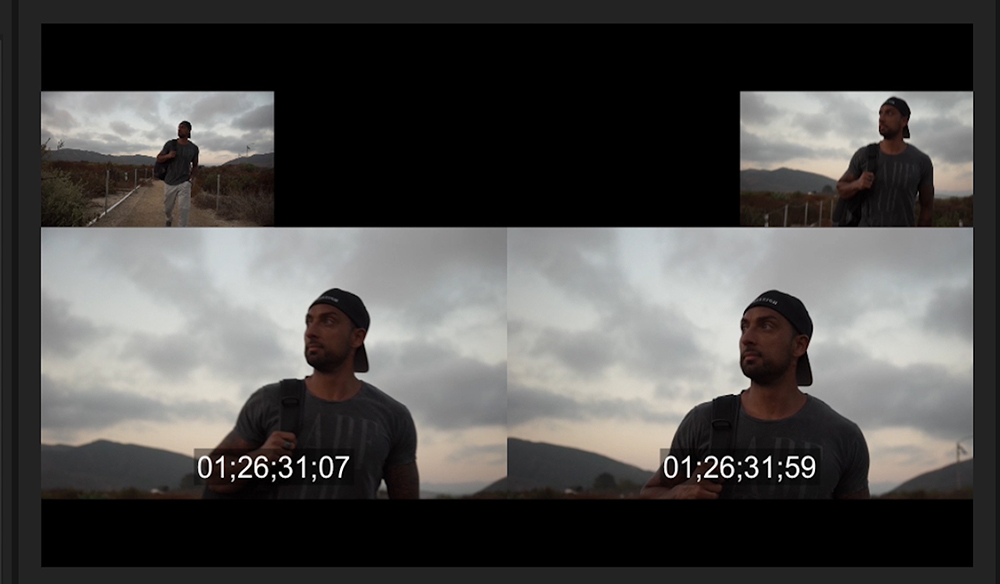
Split Screen:
- Putting 2 narratives side by side compare and note the differences
- It can be Horizontal, Vertical, Diagonal and multi screen

Master Shot:
- A sequence made up of single long shots without edit cuts , where various actions happen
- Camera placement and movements are essential but the composition will be difficult
Montage Editing:
- The process of the editor takes 2 pieces of film to tape and combine them to emphasise the meaning
- Its a method that 2 unrelated shots we may create a third and different meaning

 My Audio & Video Blog