adobe premier pro step by step explaining on how to use it:
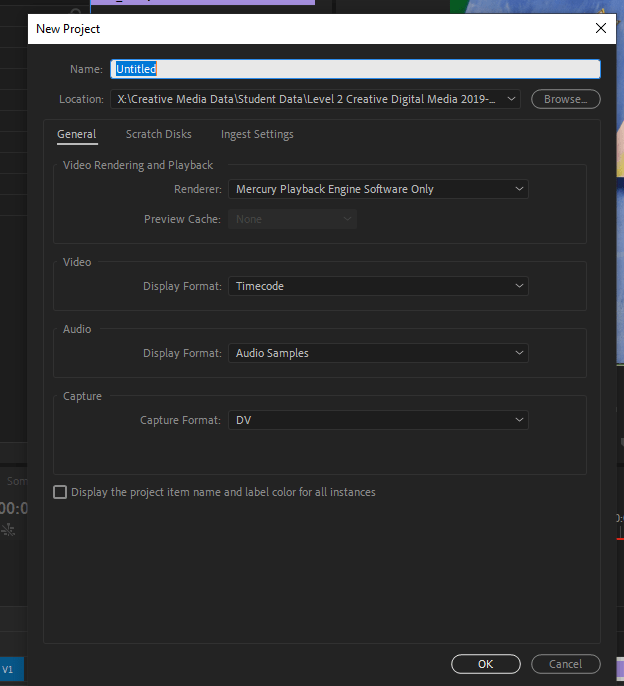
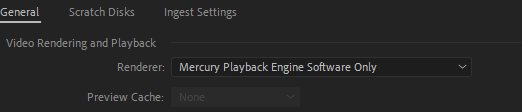
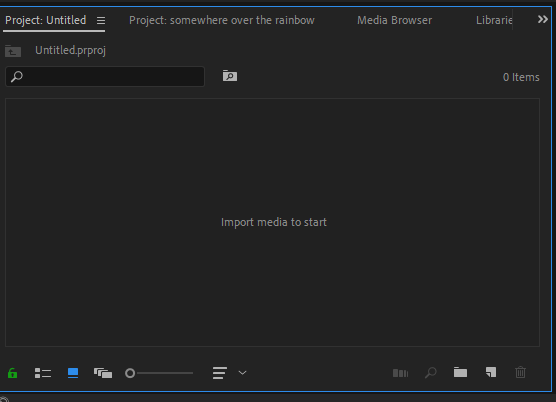
How to import footage and music?
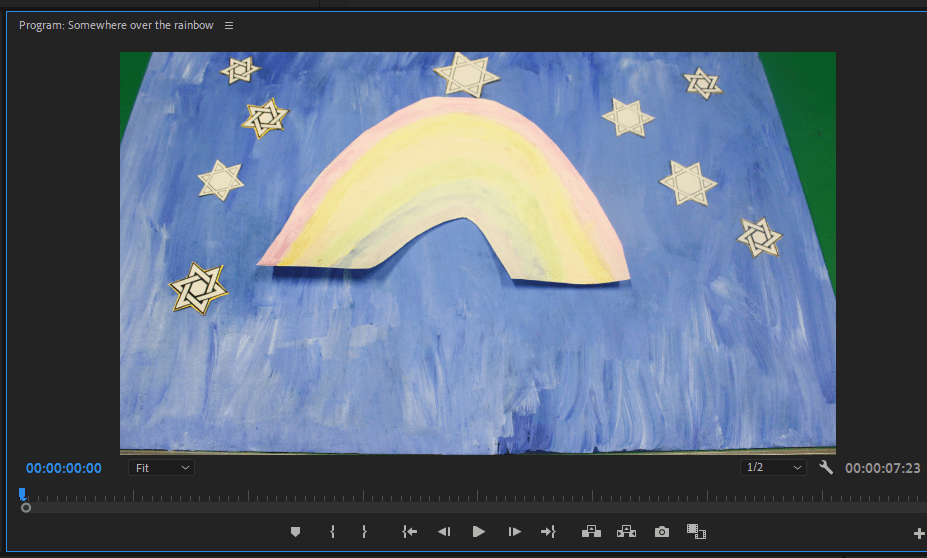
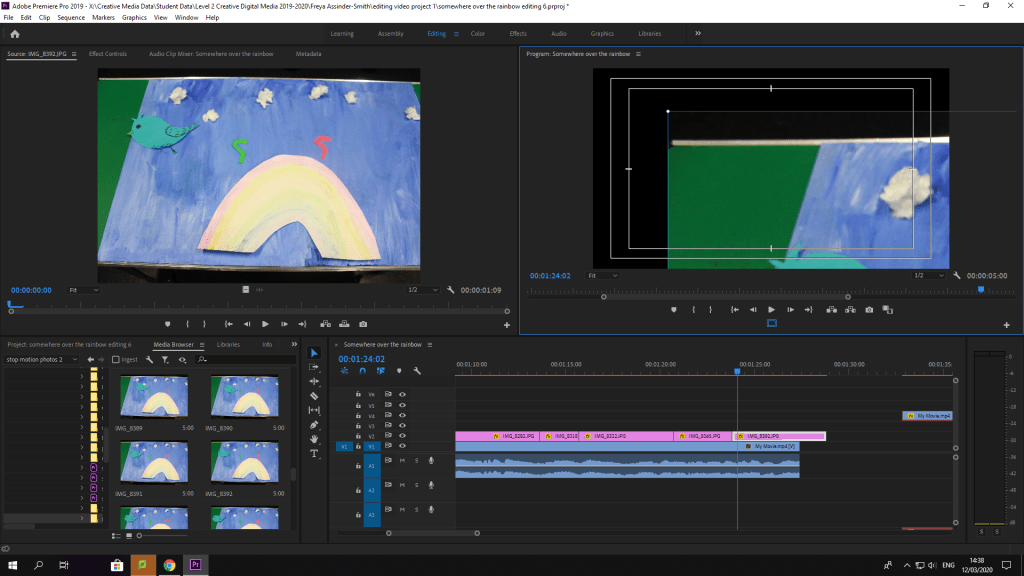
Go to media browser and go on X drive to my folder and find the footage should be labelled, click on the footage. The footage should come up and load, after that drag the footage, into the timeline section where it’ll have one part of the software with the footage. The timeline is where you can adjust the music, and cut some of the clips and add titles on the video using the t tool.
Here’s the title tool to insert titles and change the font and size:

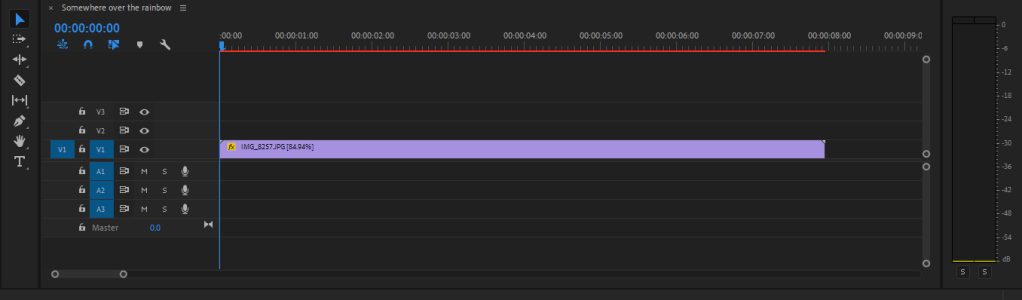
How to change the speed of it?

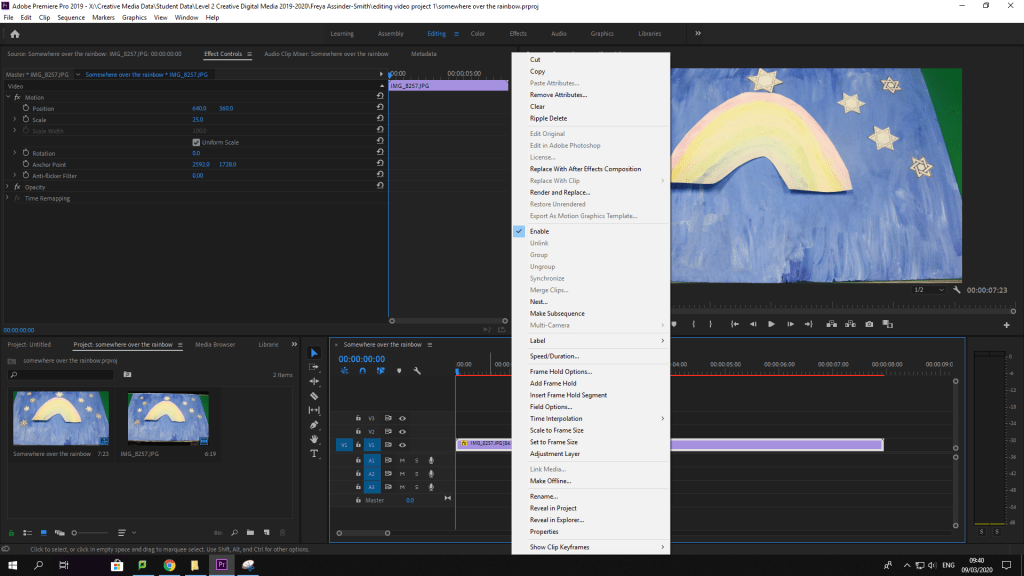
How to change the scale?

1:30 mins screenshots for blog
Razor Tool

Control V I to import videos and music
 My Audio & Video Blog