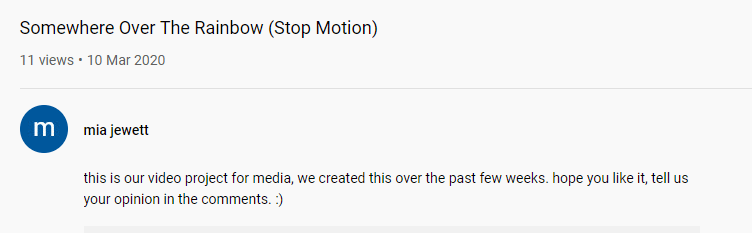
The link to our Video Project:
How did we edit the video?
I started using Premier Pro as a new beginner, I imported all the photos into the Premier Pro, next I selected the images of the footage we got that we needed to make the video and it sorted itself in order.
After that I looked up some tools to see what they meant and just learnt some of the software like that, and go through it slowly. Previously the night before I had looked at a YouTube video on how to edit a video using this software. So I had an idea on some of the tools but not all of it. I knew that the razor tool was to cut some of the clips, so it runs through smoother than before.
Mia in my group then screen recorded the song on her phone and sent the audio recording to me and put it in the X drive for me to use at anytime. As I added the music into the video so its over the top. I cut off the very start of the song and the end bit as the song was too long. Later on in my DIS session and I tried to switch the speed of the song to see which worked better. At first it was very slow then became faster.
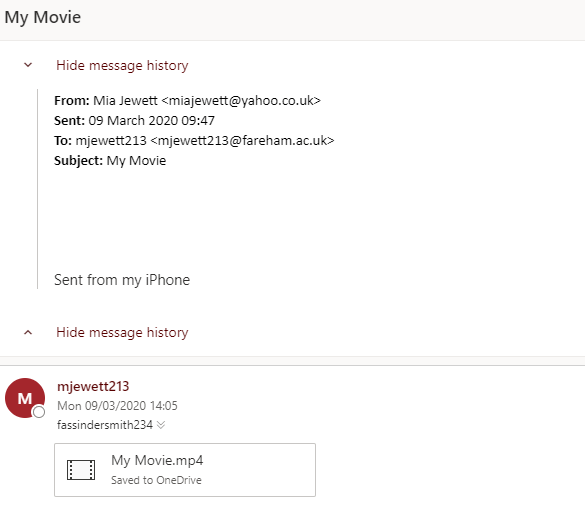
While I worked on the Premier Pro video although I did struggle a bit and was getting a bit frustrated with the editing,as it wasn’t doing what I wanted it to do. Mia decided to make the video on her phone using the Imovie app. I sent her the photos through email to her phone. Mia collected all the photos and used that screen recording of the audio and fiddled around with the editing in that app. Every once in a while she would check to see what parts were okay; but because the song was too long and we didn’t have that much footage on the Imovie. We just duplicated all the footage, and then cut off some of the instrumental or whistling music, as it wasted a lot of space while the footage went on.
What imovie app looks like:

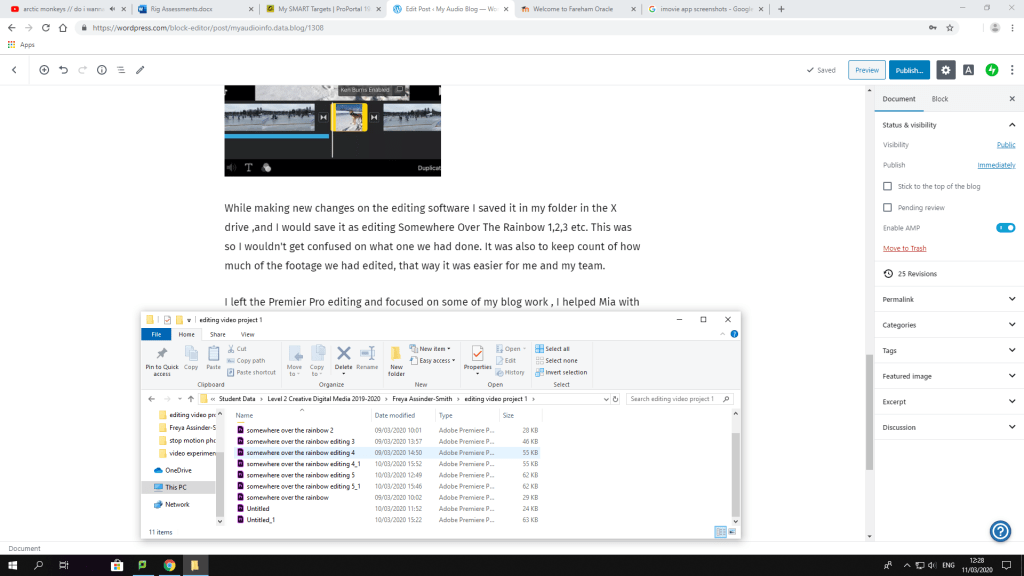
While making new changes on the editing software I saved it in my folder in the X drive ,and I would save it as editing Somewhere Over The Rainbow 1,2,3 etc. This was so I wouldn’t get confused on what one we had done. It was also to keep count of how much of the footage we had edited, that way it was easier for me and my team.
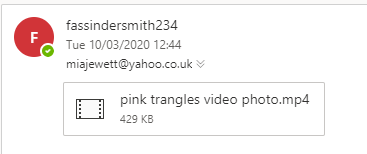
I left the Premier Pro editing and focused on some of my blog work , I helped Mia with the editing on her phone, we realised that one of the photos from my computer wasn’t on her phone. I exported the photo of the stars and pink triangles, and sent it through email. She downloaded it, added it to the video; the video is 1 minute and 31 seconds long just a second over.
After I left the Premier Pro editing but at least I had a go at trying it for the first time mainly without any help at all. Mia created a YouTube account that me and her could both use if we needed to update the video. Just as she was about to publish the video online, we both realised she hadn’t put any titles for the video. So she put the titles on the video, re-uploaded it and deleted the old one. I helped her to put in a description, so it sounded kind of professional.
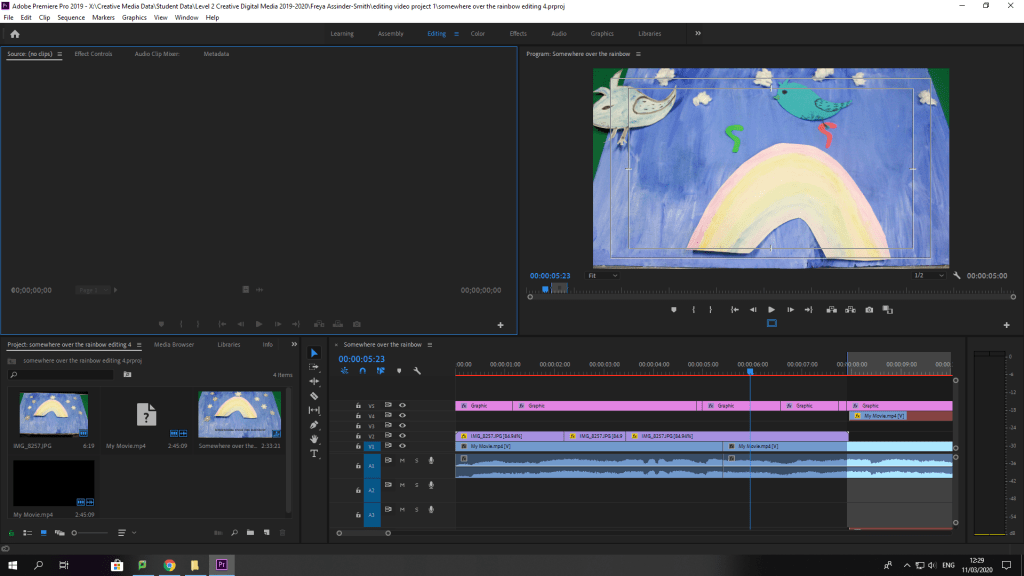
This is what I did so far in the Adobe Premier Pro:
 My Audio & Video Blog